Site approval
Get a new site approvedwith the noise report in hand.
Describe the site and its equipment once. OpenCycle models the sound at every nearby residence and gives you the report your regulator reviews in minutes, before you commit to a design.
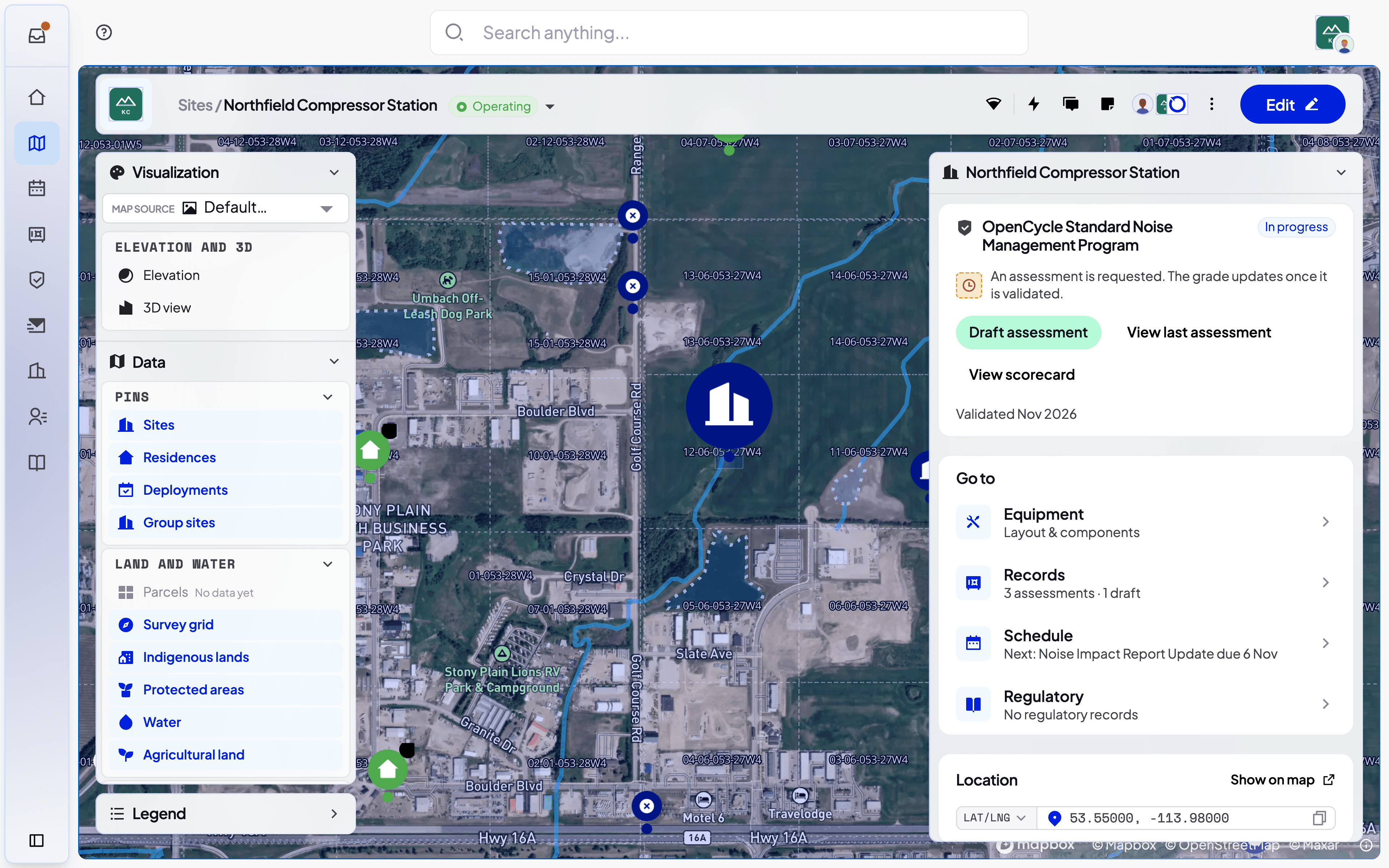
Why it stalls
Noise holds up new sites
when it comes last.
Residences turn up late
A house nobody marked appears after the design is set, and the work starts again.
Data lives in handoffs
Site details, equipment and residences move between your team and a consultant in emails and spreadsheets.
Every change means a rerun
Move a compressor or change the drilling plan, and the numbers wait on another round of work.
Testimonial · Energy and resources
The OpenCycle platform has become an essential tool for our operational agility. Whenever drilling plans change, we no longer have to scramble — we just log in and instantly access an updated NIA report. The efficiency gains across the entire planning process have been significant for our whole team.

Spur Petroleum
Energy and resources
How it works
From site to report
01
Describe the site
Place the site and add its equipment from the catalogue, existing and proposed.
→ Site and equipment02
Confirm the residences
Vision suggests possible residences around the site. You confirm each one on the map.
→ Residences03
Model the sound
Predict works out the level at each residence and compares it with the permissible sound level.
→ Predicted levels04
Get the report
A noise impact assessment with the sound map, each residence's result and the next steps.
→ Report
What you receive
The report your regulator reviews
Pages from a sample noise impact assessment on a sample compressor station.
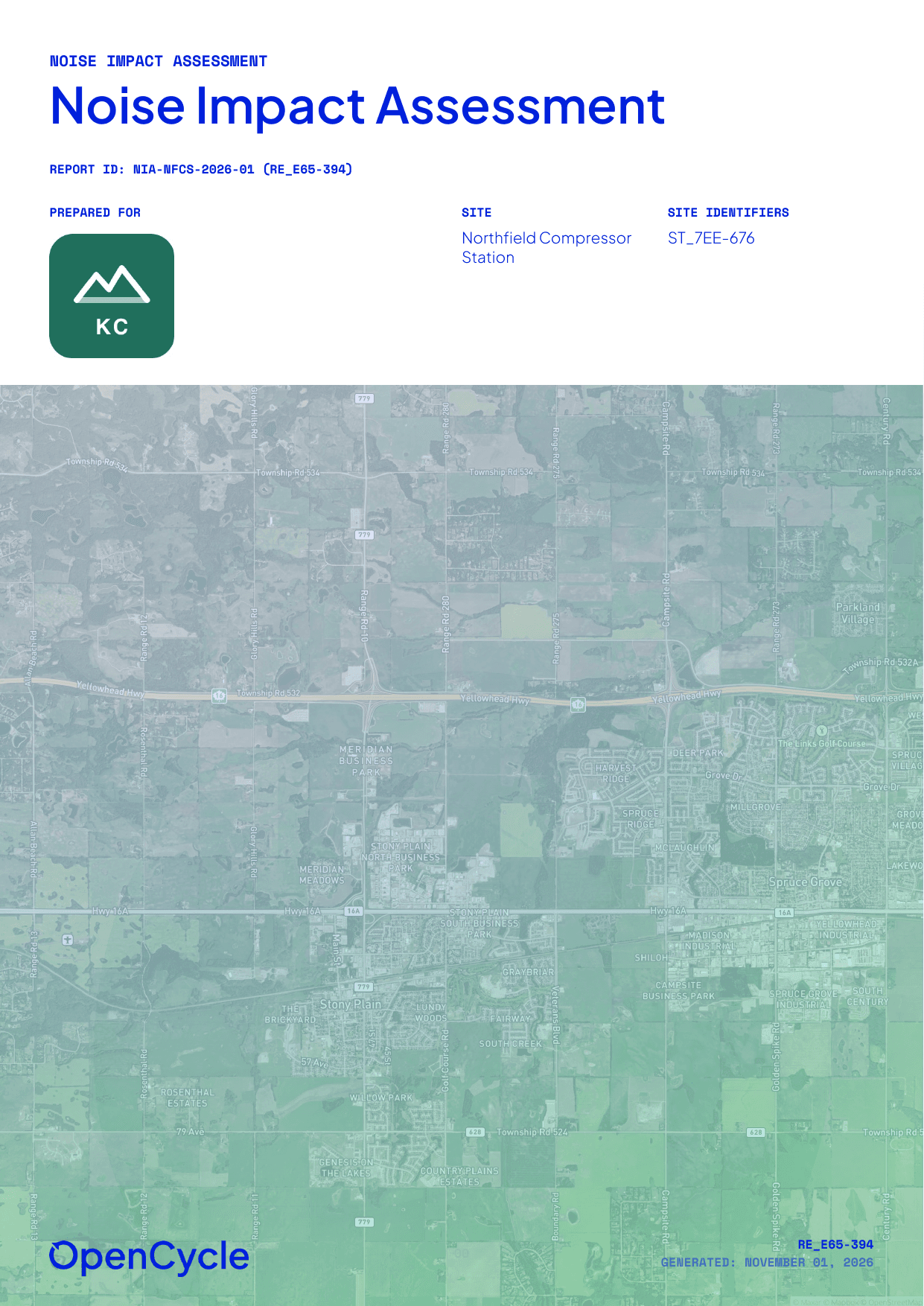
The cover names the site, the report and who it was prepared for.
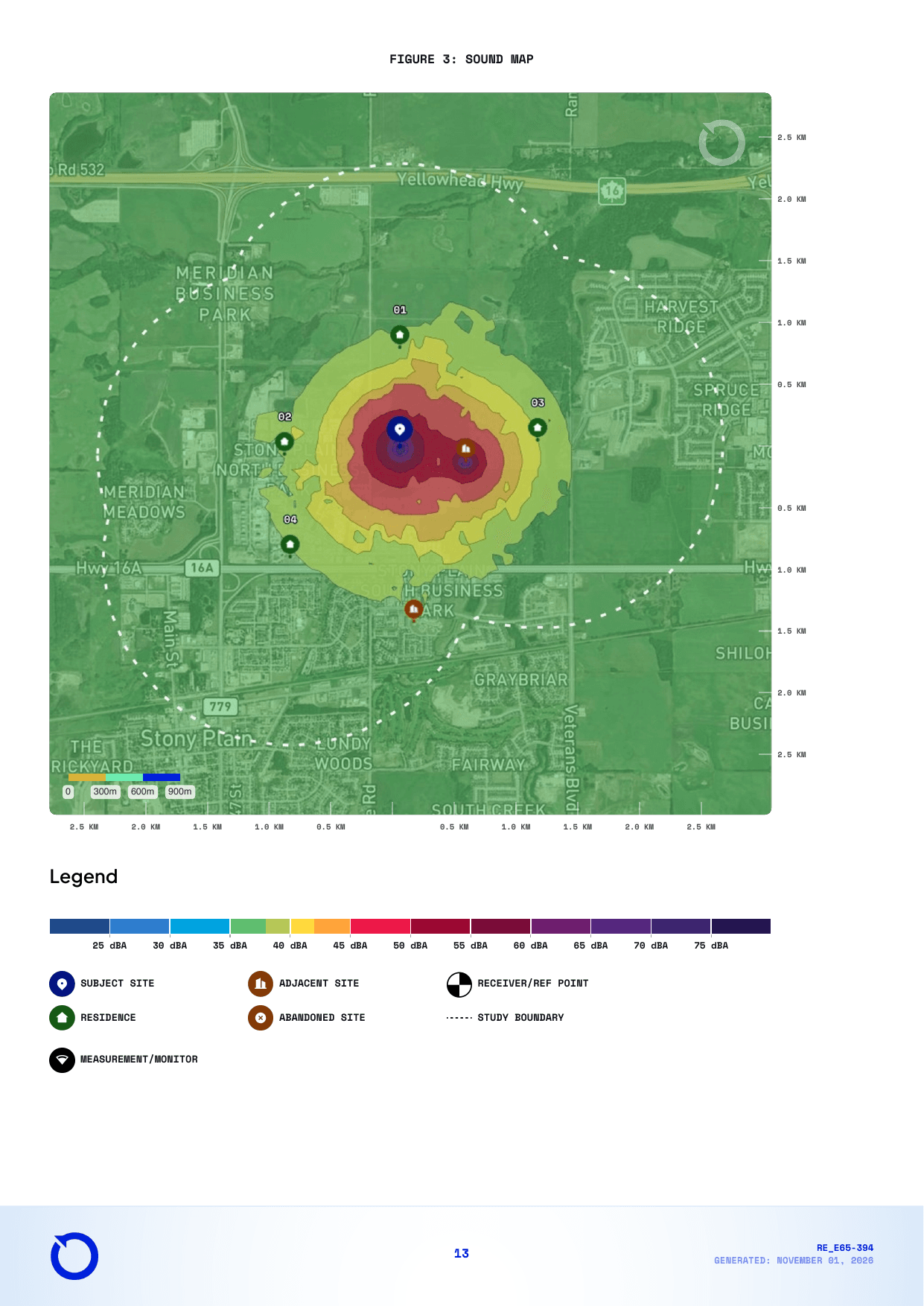
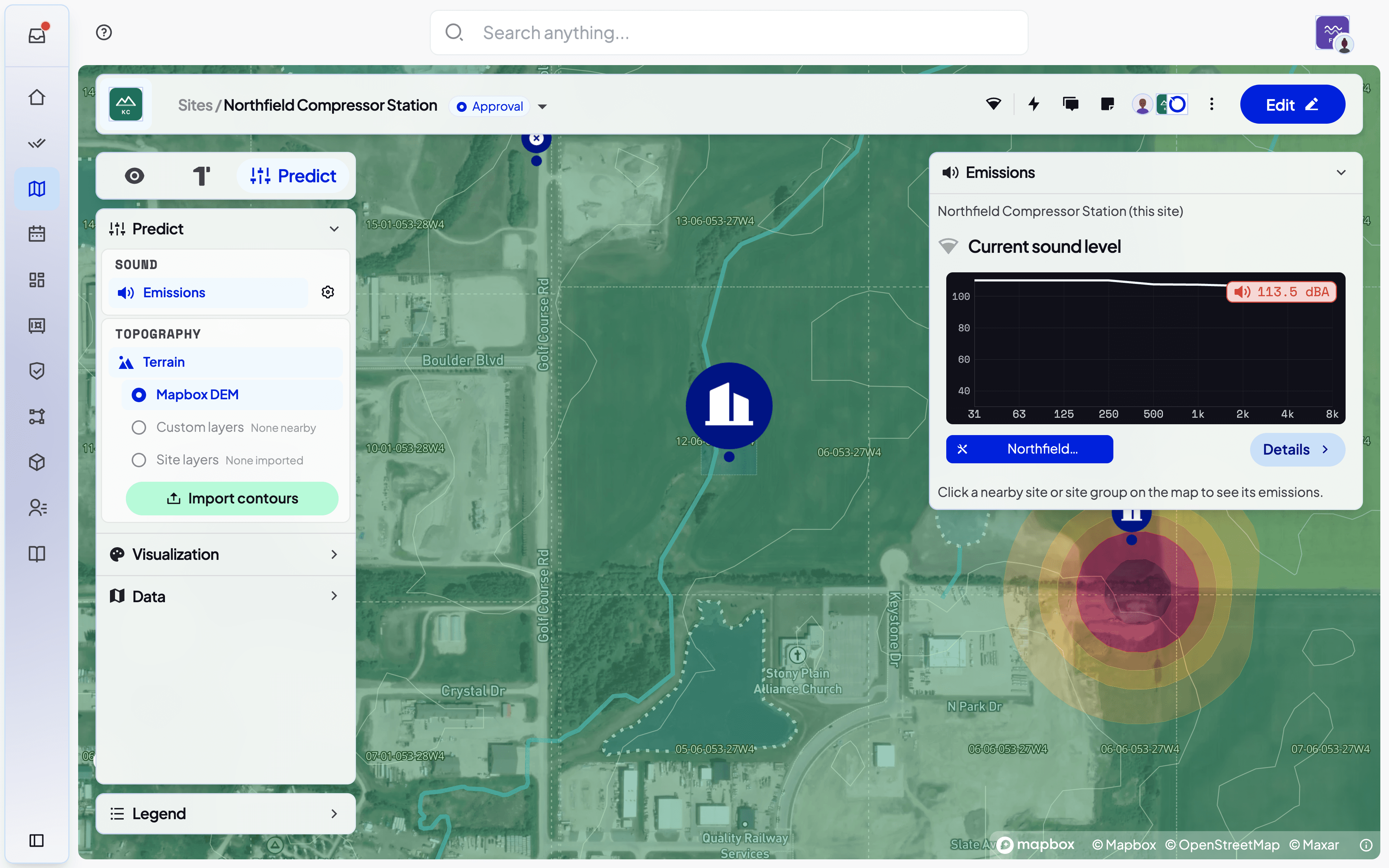
The sound map shows the predicted levels around the site and each residence.
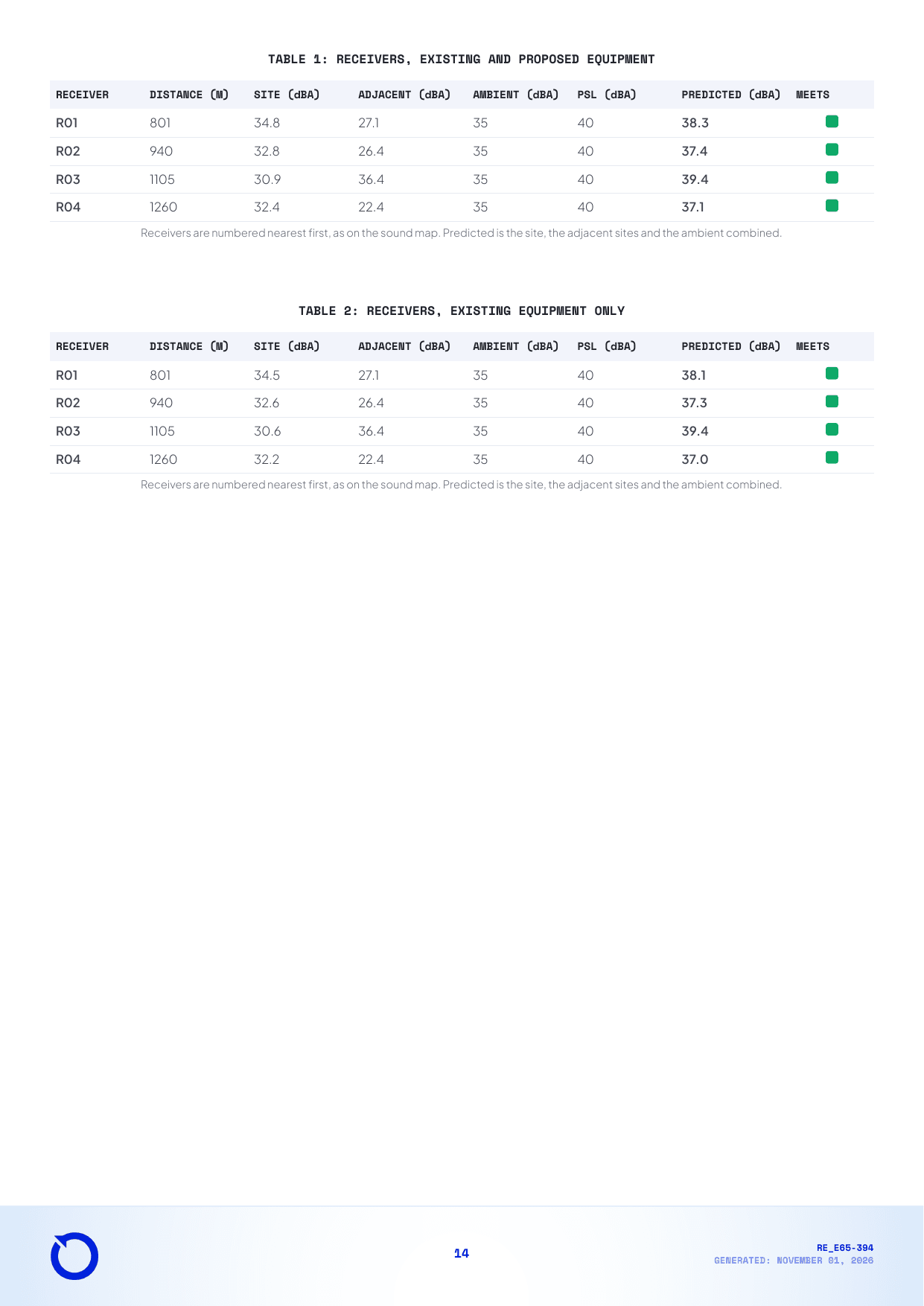
Each residence's predicted level against its limit, with and without proposed equipment.
Intelligence
The work done for you
Intelligence finds the residences around your site, models the sound at each one and keeps your next steps in view, so your team checks the work instead of building it.
- Live
Predict
Predict the sound at every residence
Models the sound from your site's equipment at each nearby residence with ISO 9613-2 propagation, and compares it with the permissible sound level of the regulator that applies.
- Live
Vision
Find the residences around your site
Suggests possible residences from building footprints traced from satellite imagery. You check each one on the map before it counts.
- Live
Advisor
Answers where you work
Ask from the search bar or from a site, deployment, phase or opportunity page. Advisor answers from your team's records, the regulations and our knowledge, shows its sources and links the records, and sums up the items that need your attention. On the Enterprise plan.
Who does the work
Automated, or validated by an engineer
Intelligence
Automated
Intelligence runs the model and writes the report. No engineer reviews it, so it is not stamped.
- Run it yourself on the platform, or we run it for you
- Rerun it when the design changes
- Best for screening and early design
Expertise team
Engineer-validated
An engineer on an Expertise team reviews the model and the report, then validates and stamps it.
- A stamped report to file
- The same model and data, checked by a person
- Best for the report you submit